Best Online Ordering Systems for Restaurants
Compare online ordering without marketplace commission: Square, Owner.com, Flipdish, TouchBistro, Squarespace and DineHarbor, checked October 2026.
Updated 4 min read
On this page
Key takeaways
- Direct online ordering keeps the customer and avoids marketplace commission, but you still pay card fees and a software fee, and some vendors add their own order fees.
- Square, TouchBistro and DineHarbor say no commission on online orders; Owner.com charges a 5% restaurant fee on its Flex plan or a flat $499 a month, plus a 5% guest fee.
- Check three things: what the vendor charges per order, who owns the customer list, and how easily you can leave.
- A website that takes orders does not bring customers by itself: pair it with Google Business Profile and a reason to order direct.
In short: pick an online ordering system by what it charges per order, who owns your customer data and whether it fits the rest of your restaurant. Prices below are from each vendor's own page in October 2026. Where a page was blocked, we say "check the vendor's page".
What you are really comparing
An ordering page is simple. The costs around it are not.
- Monthly fee: flat, per location or per device.
- Order fees: commission, a restaurant fee, or a fee added for guests.
- Card fees: charged by whichever provider takes the payment.
- Ownership: your domain, your customer list, your menu data.
- What it connects to: a till and kitchen screens, or a separate tablet.
Our guide to online ordering without commission explains the sums.
Options at a glance
As of October 2026.
| System | What it publishes | Order fees |
|---|---|---|
| Square Online Ordering | Free to start; ordering with "no monthly fees or commissions" (Square UK) | Card processing, 1.4% plus 25p online (pricing) |
| Owner.com | Flex $249 a month; Flat Rate $499 a month; month to month (Owner.com) | Flex: 5% restaurant fee per order; both plans: 5% guest order support fee; page shows dollars |
| Flipdish | POS plus ordering bundle from €99 a month billed annually (Flipdish) | "Transparent transaction fees", rates not published |
| TouchBistro | Online ordering by quote (TouchBistro) | No commission fees on online orders, per its FAQ |
| Squarespace | Plans from €14.40 to €82.80 a month on annual billing; online store fee 2% on Basic, 0% from Core (Squarespace) | Card rate 2.0% plus €0.25 standard; general website, not a restaurant system |
| Slerp, ChowNow, GloriaFood | Slerp: price not published (compare); ChowNow: check the vendor's page; GloriaFood: closing 30 April 2027, no new sign ups (compare) | See the pages |
| DineHarbor | Every plan includes ordering: £69, £129 or £219 a month per location (pricing) | No commission; your provider's card fees |
Square
Square lets you take click and collect and delivery orders on your own website, with no monthly fee or commission, and shows orders on its kitchen display. It fits an owner who already uses Square for payments. Square's card rates apply to every order.
Owner.com
Owner.com sells an all in one package: a website, ordering, an app, loyalty and marketing. Its page shows a Flex plan with a 5% restaurant fee per order and a flat plan at $499 a month with no restaurant fee, recommended for restaurants with $5,000 a month of online sales. Both charge guests a 5% order support fee. It says plans are month to month with no cancellation fee. The page is in dollars and does not name a UK offer, so check availability and pricing for your country.
Flipdish and TouchBistro
Flipdish bundles a point of sale and ordering with a branded website; the page does not publish its transaction fees. See our Flipdish comparison. TouchBistro says it charges no commission on online orders and prices ordering by quote.
Squarespace
A general website builder with commerce. It can sell food, but it is not built around menus, kitchen routing or table ordering, so it suits a small takeaway that wants a pretty site first. See restaurant website builders.
DineHarbor
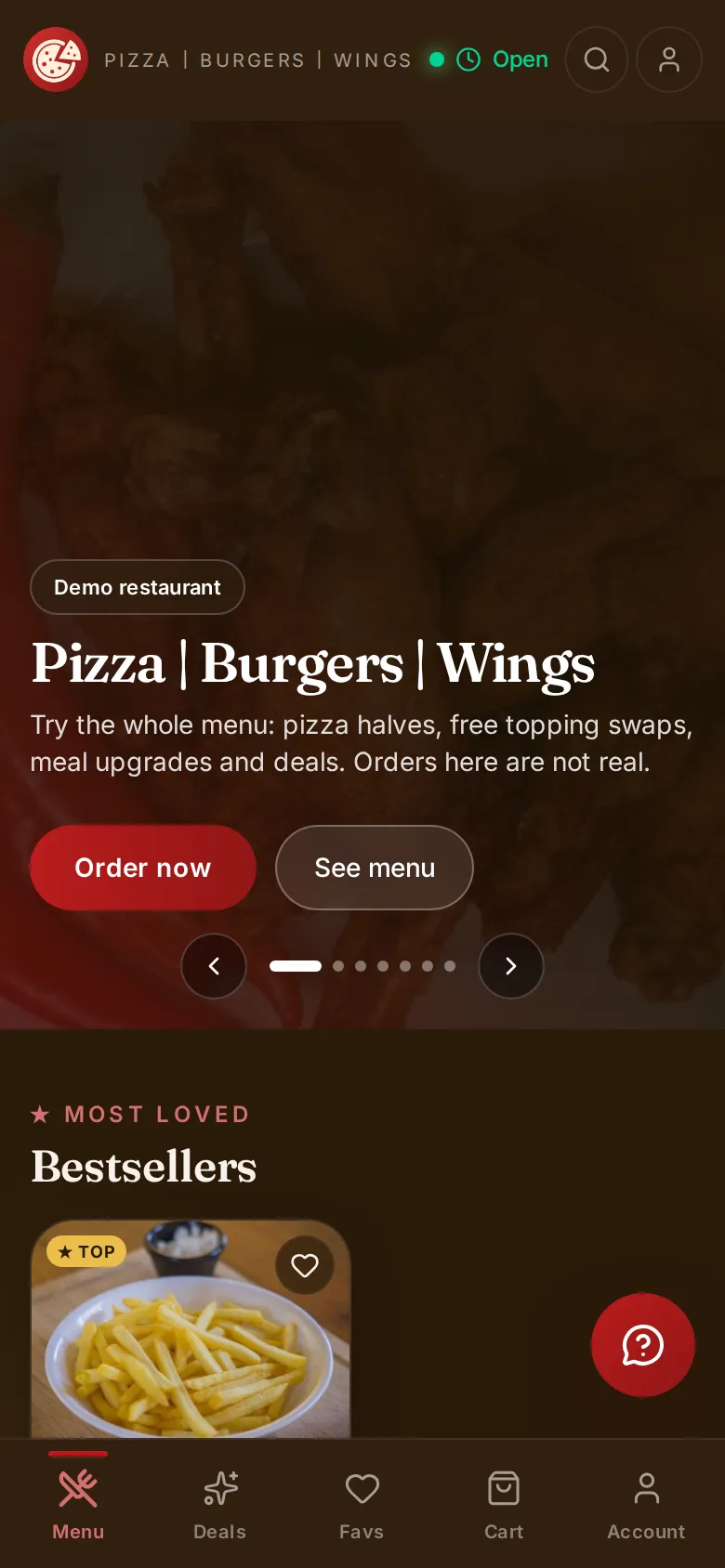
Ordering is in every plan, on your own domain or a free name.dineharbor.com address, with collection, delivery, QR table ordering and scheduled orders. There is no commission, and card fees go to your own payment provider. Delivery zones are in every plan and a driver app with a dispatch board is on Growth (£129 a month). It does not connect to delivery apps and has no iPhone app in the App Store yet.
Who each suits
- A cafe that already uses Square: turn on Square Online Ordering.
- A pizza or takeaway with high online volume: price Owner.com's flat plan against the rest.
- A restaurant that wants till, kitchen and ordering together: a system that includes ordering in the plan.
- A restaurant with a nice site already: check what a plug in costs.
After you choose
An ordering page needs customers. Claim your Google Business Profile, link the page, and give regulars a reason to order direct. See stop paying delivery app commission.
Questions and answers
What is the best online ordering system for a small restaurant?
It depends on what else you need. If you want ordering alone, a specialist may suit. If you want a till and kitchen screens too, choose a system that includes ordering in the plan. Compare totals including card fees.
Do online ordering systems charge commission?
Some charge none, some charge a per order fee. Square, TouchBistro and DineHarbor say no commission on online orders. Owner.com's Flex plan charges 5% per order. Check each page.
Can I take online orders without a website?
Some systems give you an ordering page on their own address, which you can link from social media and Google. DineHarbor offers a free name.dineharbor.com address or your own domain.
Will online ordering replace delivery apps?
Not usually on its own. Many restaurants keep an app for new customers and use their own ordering for regulars. See our guide to stopping delivery app commission.
See it in DineHarbor
About the author
Editorial team
The DineHarbor team writes this blog for restaurant owners and managers. Every article is checked against the product before it is published, so what we describe is what the software does.
All articles by DineHarbor team