Best Kitchen Display Systems for Restaurants
Which kitchen display suits which restaurant? Square, Lightspeed, TouchBistro, Flipdish and DineHarbor compared, with prices checked in October 2026.
Updated 3 min read
On this page
Key takeaways
- Most restaurant systems sell a kitchen display either as a per device add on (Square, from £15 a month) or inside a plan tier (Lightspeed, from Core).
- TouchBistro and Flipdish publish no price for kitchen display, so treat both as quotes.
- Judge a KDS on your own service: stations, held courses, recall, and what happens when the Wi-Fi drops.
- A screen shows a messy menu faster rather than fixing it, so tidy your stations first and keep a printer as a fallback.
In short: the best kitchen display is the one that matches your stations and survives your busiest hour. Prices below were read on each vendor's own page in October 2026. Where a vendor publishes none, we say "quote".
If you are still deciding whether you need one, read do you need a kitchen display system first. This article compares what is on offer.
What a good KDS must do
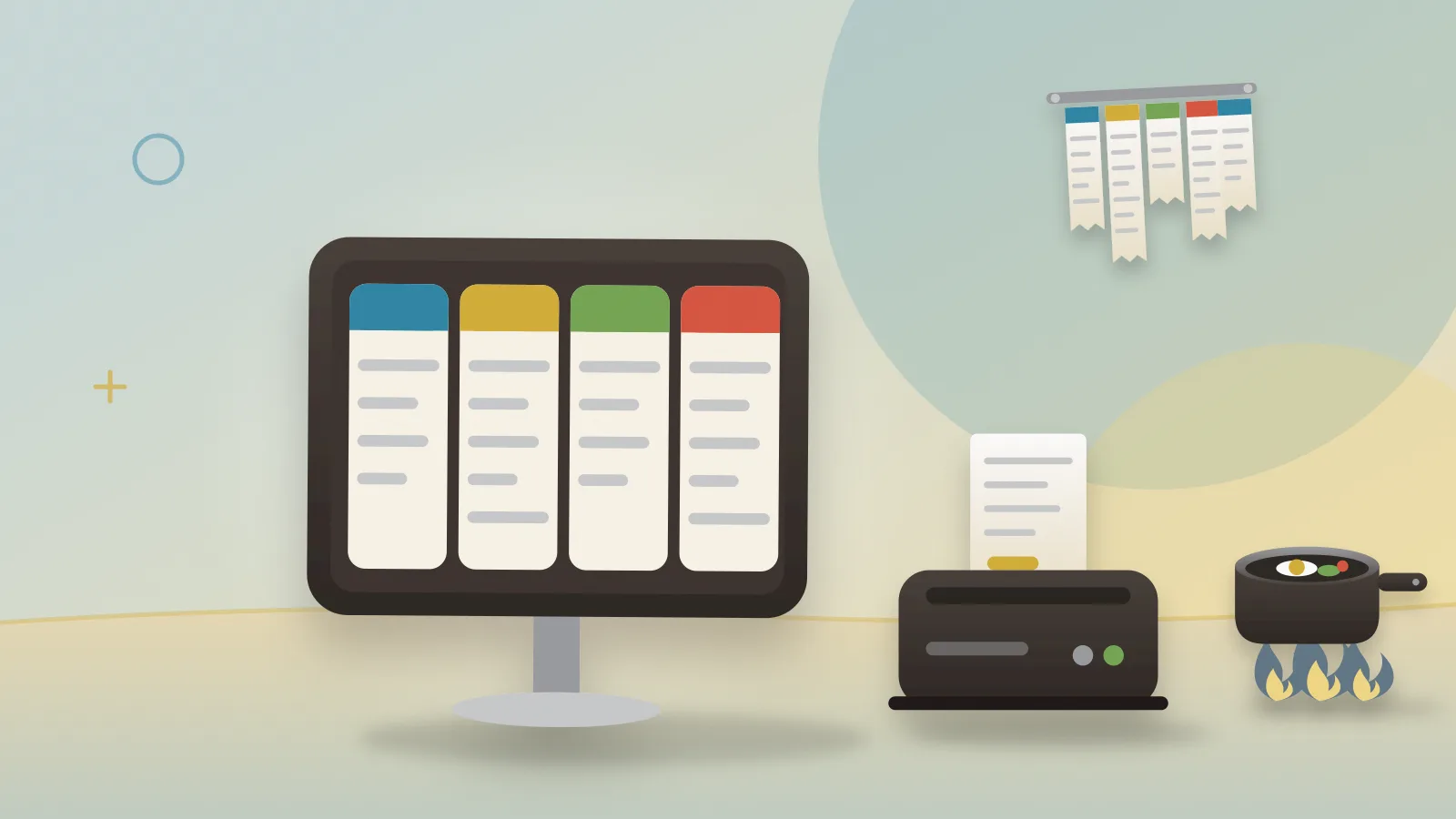
- Route items to stations: grill, fryer, cold, bar, pass.
- Show time: how long a ticket has waited, with a colour change.
- Hold and fire courses: so starters and mains leave in the right order.
- Recall: bring back a ticket someone cleared by mistake.
- Take every channel: till, tables, online, kiosk.
- Fail safely: a printer fallback or offline behaviour.
Options at a glance
As of October 2026.
| System | Kitchen display price | Notes |
|---|---|---|
| Square for Restaurants | From £15 per device a month (pricing) | Shows online and dine in orders in one place (restaurants page) |
| Lightspeed Restaurant | Add on on Basic; included as a licence option on Core and Pro (Lightspeed) | Counts as one of your registers; extra registers €49 |
| TouchBistro | "Get a quote" (TouchBistro) | Page shows dollars and no country |
| Flipdish | Add on, quote only (Flipdish) | Part of its wider ordering platform |
| DineHarbor | Included: 2 screens on Starter, 6 on Growth, unlimited on Unlimited (pricing) | Stations, held courses, recall, printer failover |
| Epos Now, Toast, Clover | Check the vendor's page | Not shown on pages we could open |
Square
Square's kitchen display is priced per device, which is simple when you need one screen and adds up with a screen per station. Hardware is bought separately. It suits a small kitchen on Square already.
Lightspeed
On Core and Pro the kitchen display is a licence option within the registers you have: Core includes two registers chosen from tills, tableside and kitchen display, Pro three. That is good value for a compact kitchen and less so if you need a screen at every station, since extra registers cost €49 each. Its page shows euros while its FAQ mentions pounds, so ask for a UK quote.
TouchBistro and Flipdish
Both sell a kitchen display as an add on and publish no price. If you like the rest of their system, ask for a quote that lists the number of screens, the hardware and any monthly fee.
DineHarbor
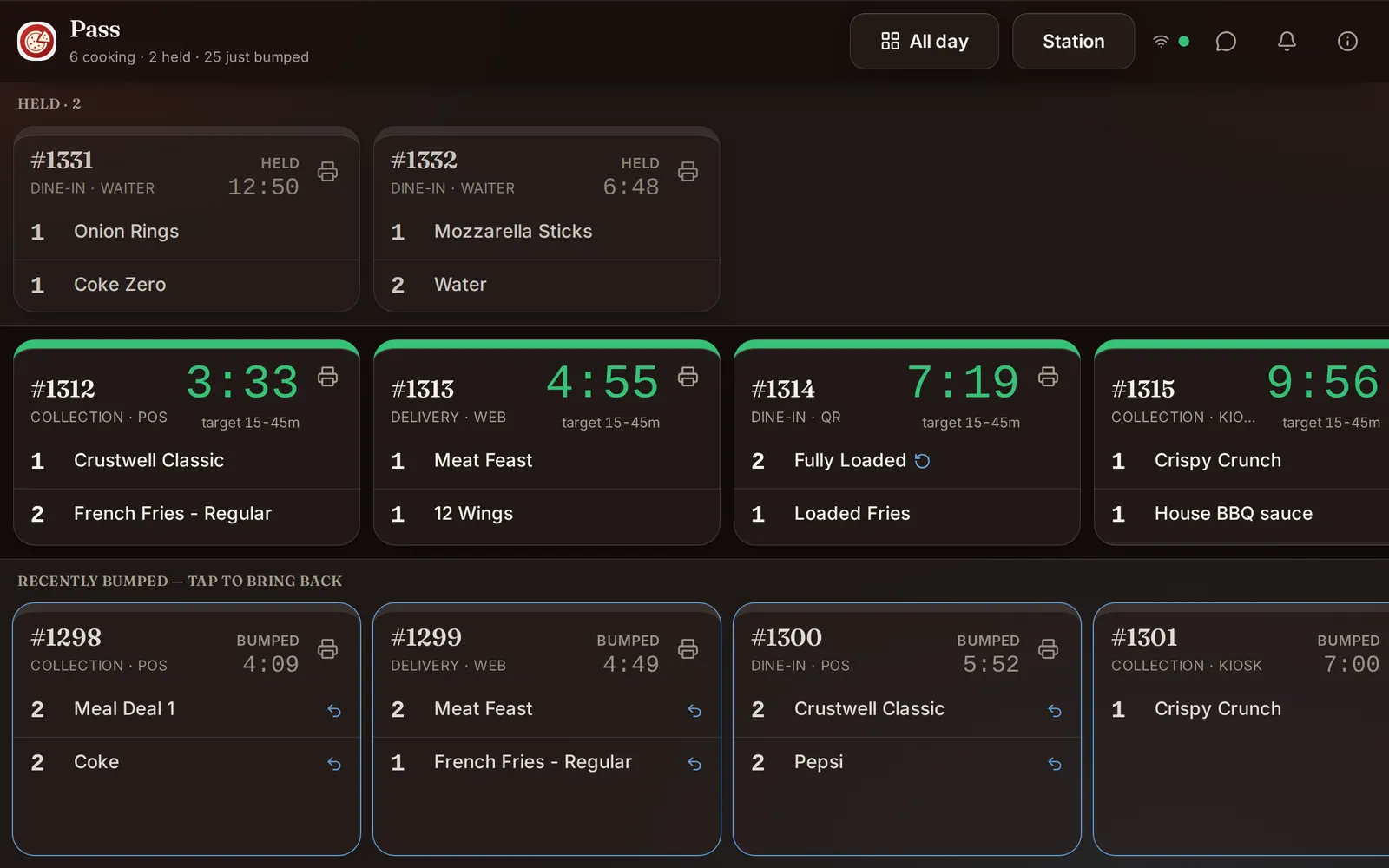
The kitchen display is part of every plan, with two screens on Starter (£69 a month per location), six on Growth (£129) and no limit on Unlimited (£219), excluding VAT. It supports stations, held courses, recall and printer failover, and receives orders from the till, waiter phones, QR ordering and online ordering. It does not sell hardware: you use tablets or screens you already own. It does not take orders from Deliveroo, Uber Eats or Just Eat.
Which kitchen, which screen
- One person kitchen, low volume: a printer may be enough.
- Two or three stations with online orders: a screen per station, one at the pass.
- Several branches: look at central menu control and per site reporting too.
Test it before you pay
- Draw your stations on paper.
- Run a mock service of 30 tickets with your real menu.
- Pull the Wi-Fi cable and see what happens.
- Keep paper as a back up for the first two weeks.
Our guide to kitchen ticket times and peak service shows what to measure once screens are in.
Questions and answers
Do I need a kitchen display system?
It helps when you have several order channels, several stations or high ticket volume. A very small kitchen can be calmer with a printer. Our kitchen display guide explains how to decide.
How much does a KDS cost?
Square lists kitchen display from £15 per device a month as of October 2026. Lightspeed includes it from Core as a licence option. TouchBistro and Flipdish give no public price.
Can I use a tablet as a kitchen screen?
Many systems run on tablets, but check the vendor's list of supported devices and mounting options.
What happens if the internet drops?
Ask each vendor. Some systems keep working locally, others need a connection, and printer failover can be a safety net.
See it in DineHarbor
About the author
Editorial team
The DineHarbor team writes this blog for restaurant owners and managers. Every article is checked against the product before it is published, so what we describe is what the software does.
All articles by DineHarbor team