

Restaurant KPIs: The Numbers Worth Tracking
The restaurant KPIs that matter: sales, average spend, food and labour cost, prime cost, waste, ticket time, reviews and repeat guests, and how to use them.
5 min read
On this page
Key takeaways
- Track a handful of numbers every week: sales, average spend, food cost, labour cost, prime cost, waste and guest feedback.
- A KPI is only useful if it has a definition, a target and an owner who acts on it.
- Compare each number with last week, last year and your budget, and look at trends rather than one day.
- Too many metrics hide the signal: start with eight to ten, and add more only when a question needs one.
In short: pick eight to ten numbers that show how the business is doing, define each one clearly, set a target, review them weekly and act on what they say. Sales, average spend, food cost, labour cost, prime cost, waste, ticket time and guest feedback are a solid start.
About 8 minutes to read. General information. Examples use made up numbers; set your own targets.
Numbers do not run a restaurant, people do. But the right numbers tell you where to put your attention in a week when everything seems urgent.
What makes a good KPI
- Defined: everyone calculates it the same way.
- Measurable from data you already collect.
- Compared: with a target, with last week and with last year.
- Owned: one person acts when it moves.
- Actionable: a change in the number leads to a decision.
If nobody would act on a number, stop tracking it.
The core KPIs
| KPI | How to calculate it | Why it matters |
|---|---|---|
| Net sales | Sales excluding tax, after discounts and refunds | The base of everything |
| Average spend per guest | Net sales divided by guests | Shows pricing and upselling |
| Average order value | Net sales divided by orders (takeaway and delivery) | Compares channels |
| Food and drink cost % | Cost of goods used divided by net sales | Shows margin and waste |
| Labour cost % | Total labour cost divided by net sales | Shows rota efficiency |
| Prime cost % | Food and drink plus labour, divided by net sales | The two biggest controllable costs |
| Waste value | Recorded waste at cost | Shows control |
| Ticket time | Time from order to ready | Shows kitchen flow |
| Guest rating | Average review score and number of reviews | Shows reputation |
| Repeat guests | Share of guests who return | Shows loyalty |
See food cost percentage, prime cost, labour cost and weekly numbers.
Sales numbers
- Net sales by day and week, compared with the same week last year and the budget.
- Covers or orders: how many guests and orders.
- Average spend and its drivers: price, add ons, drinks, party size.
- Sales by channel: dine in, collection, delivery, online, kiosk.
- Sales by hour: the busiest and quietest hours show where to staff and where to promote.
- Top products: which dishes carry the sales. See menu engineering.
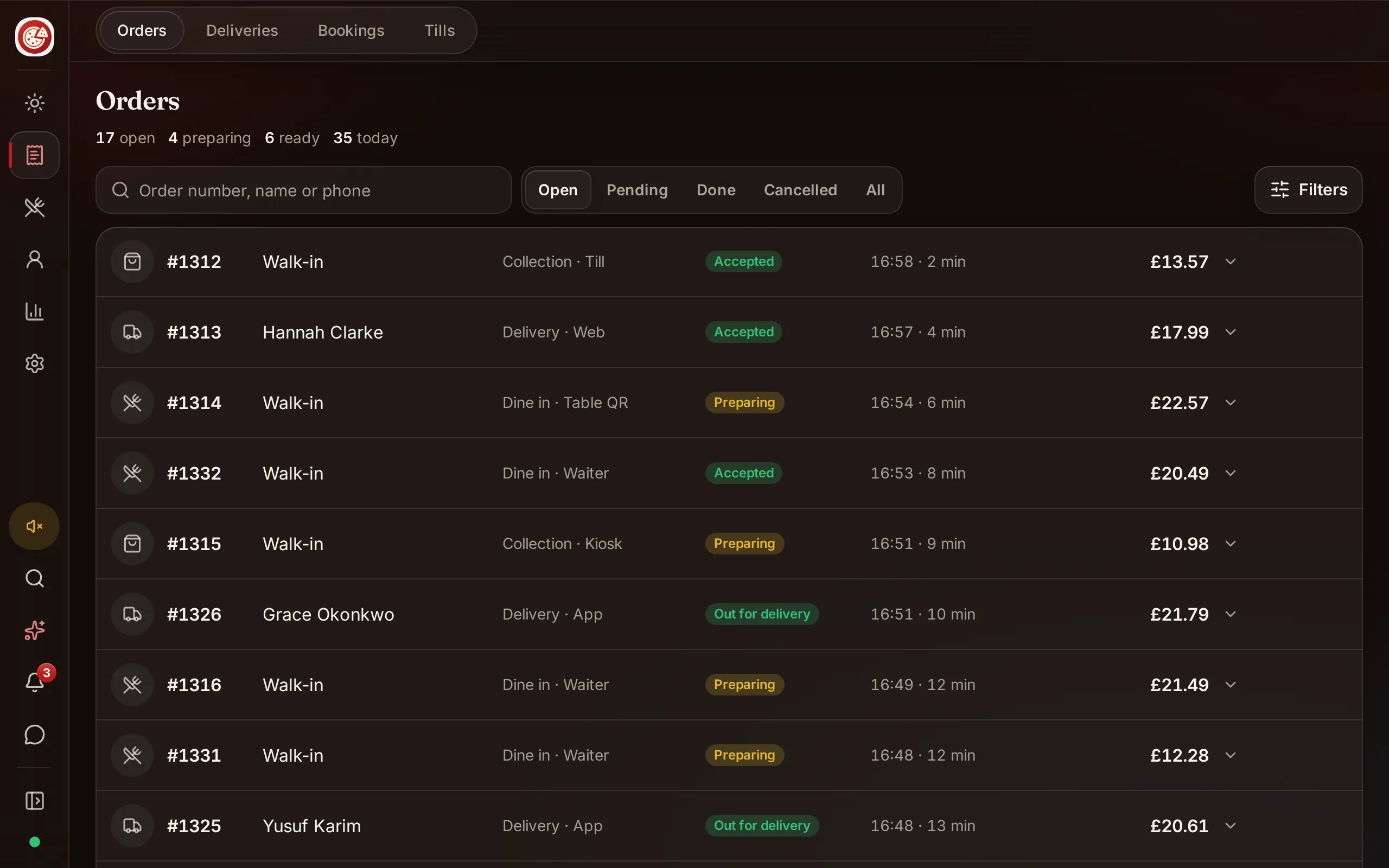
DineHarbor reports include sales comparison, top products and an hourly heatmap, and the Manager copilot can answer supported questions about your own numbers in plain words.
Cost numbers
- Food and drink cost: use actual usage from stock counts, not only purchases. See stock control.
- Labour cost: include wages, employer taxes and benefits, and compare hours with the sales in each hour.
- Prime cost: if it rises, find whether food or labour caused it.
- Occupancy cost: rent and related costs as a share of sales.
- Card and delivery fees as a share of sales. See card payment fees.
Waste and control
- Waste value per week and the main reasons: spoilage, preparation error, returns, spillage. See reducing food waste.
- Stock variance: expected against counted usage.
- Voids, discounts and comps as a share of sales, by person and shift.
- Cash differences at closing.
These are signals, not accusations. See accounting basics.
Service numbers
- Ticket time from order to ready, and to delivery for takeaway. See ticket times and peak service.
- Table turn time for busy services.
- Order accuracy: comps and remakes for mistakes.
- No show rate for reservations. See reducing no shows.
- Delivery time against promise. See run your own delivery.
A preparation time report only means something if tickets are marked ready honestly. Make sure staff understand why.
Guest numbers
- Review score and volume across Google and other places. See reviews and complaints.
- Complaint rate per 100 covers.
- Repeat visits and loyalty sign ups. See loyalty programmes.
- Direct orders share: the share of takeaway orders that come through your own channel. See online ordering without commission.
Team numbers
- Staff turnover and the cost of replacing a person. See staff retention.
- Hours worked against the rota, and overtime.
- Training completed. See staff training.
- Sales per labour hour, compared by shift.
Build a one page dashboard
Keep the page to the numbers you act on. A good layout shows:
- Net sales against last week, last year and budget.
- Average spend and covers or orders.
- Food cost, labour cost and prime cost against target.
- Waste value.
- Ticket time and guest score.
- One note: what changed and what we will do.
Review it with the team every week. See budgeting.
Use trends, not days
One bad Tuesday is not a trend. Look at four to eight weeks, adjust for seasons and events, and compare like with like. Mark one off events on the chart so you do not chase them.
Common mistakes
- Too many metrics.
- Metrics without definitions: net or gross sales, with or without tax?
- Targets copied from other restaurants.
- Measuring but not acting.
- Using a number to blame staff rather than fix a process.
- Ignoring guest numbers because they are harder to measure.
Make it a habit
- Choose eight to ten KPIs.
- Write a one line definition for each.
- Set a target and an owner.
- Review weekly in ten minutes.
- Record what you decided.
- Each quarter, remove one number and add one only if you need it.
Want your key numbers in one place? Start the 30 day free trial with no card needed.
Questions and answers
What is a KPI?
A key performance indicator: a number that shows whether an important part of the business is on track, such as food cost percentage or average spend per guest.
Which KPIs matter most for a restaurant?
Sales, average spend, food cost, labour cost, prime cost, waste, ticket time, guest ratings and repeat visits. Which ones matter most depends on your concept and problems.
How often should I review KPIs?
Review sales and costs weekly, and the full profit and loss monthly. Some numbers, such as ticket times and waste, are worth a daily look.
What are good target numbers?
Set targets from your own budget and history rather than copying other restaurants. Published ranges differ and may not match your concept.
How do I avoid drowning in data?
Pick a short list, define each one, set a target and an owner, and review them in one page. Remove any number that never leads to a decision.
See it in DineHarbor
About the author
Editorial team
The DineHarbor team writes this blog for restaurant owners and managers. Every article is checked against the product before it is published, so what we describe is what the software does.
All articles by DineHarbor team
