

Manage Several Restaurant Branches in One Account
Manage several restaurant branches with clear local control, shared standards, team access, reports and plan limits while keeping each location responsible.
7 min read
On this page
In short: multi branch software should give owners a group view while preserving local menus, hours, staff access and accountability. Define what headquarters controls and what each branch can change. Add locations one at a time, using the same opening checklist and comparing like periods in reports.
DineHarbor supports multi branch restaurant management. Growth allows up to five locations and Unlimited has no stated location limit. Public prices are per location, so confirm current totals on pricing.
Decide what is shared
Write a short operating standard before configuring the group. It can cover product naming, allergen process, payment rules, staff roles, report definitions and device naming.
Then list local decisions. Opening hours, delivery zones, stock, staffing, prices and availability may differ by branch. A central change should not overwrite a valid local difference without review.
Use the same words for the same thing. If one branch calls a product large chips and another calls it family fries, reports and training become harder unless the distinction is intentional.
Do not force identical menus merely for tidy administration. Equipment, suppliers and local demand can vary. The goal is controlled variation, not artificial sameness.
Set up branch identity
Each location needs its correct trading details, address, contact route, time zone, currency where supported, opening hours and fulfilment options. Check what appears to customers and on receipts.
Use a clear internal branch name. Two locations both called Main can lead to orders, reports and staff actions in the wrong place. Include the town or street in a form staff recognise.
Configure the restaurant's own domain or branch route carefully. Test that search and public links take guests to the intended menu. Delivery zones must begin from the actual branch origin.
Keep legal and tax information accurate for each entity and location. Multi branch software does not decide whether the locations are operated by one legal company or several.
Control menus without duplication chaos
Create an approved source for shared products, recipes and allergens. Decide how a group change reaches branches and who confirms local price or availability.
Before copying a menu, check taxes, currency, suppliers, portion and kitchen routing. A dish with the same name may be made differently, which affects allergens, stock and calories.
Use a change record for important edits. State the product, branches, effective date and approver. Give local managers a route to report that a change cannot be used.
Do not edit every branch separately during a rush. Schedule planned changes and test one location first. Confirm the customer menu, till, kitchen ticket and receipt before wider release.
Give staff the right branch access
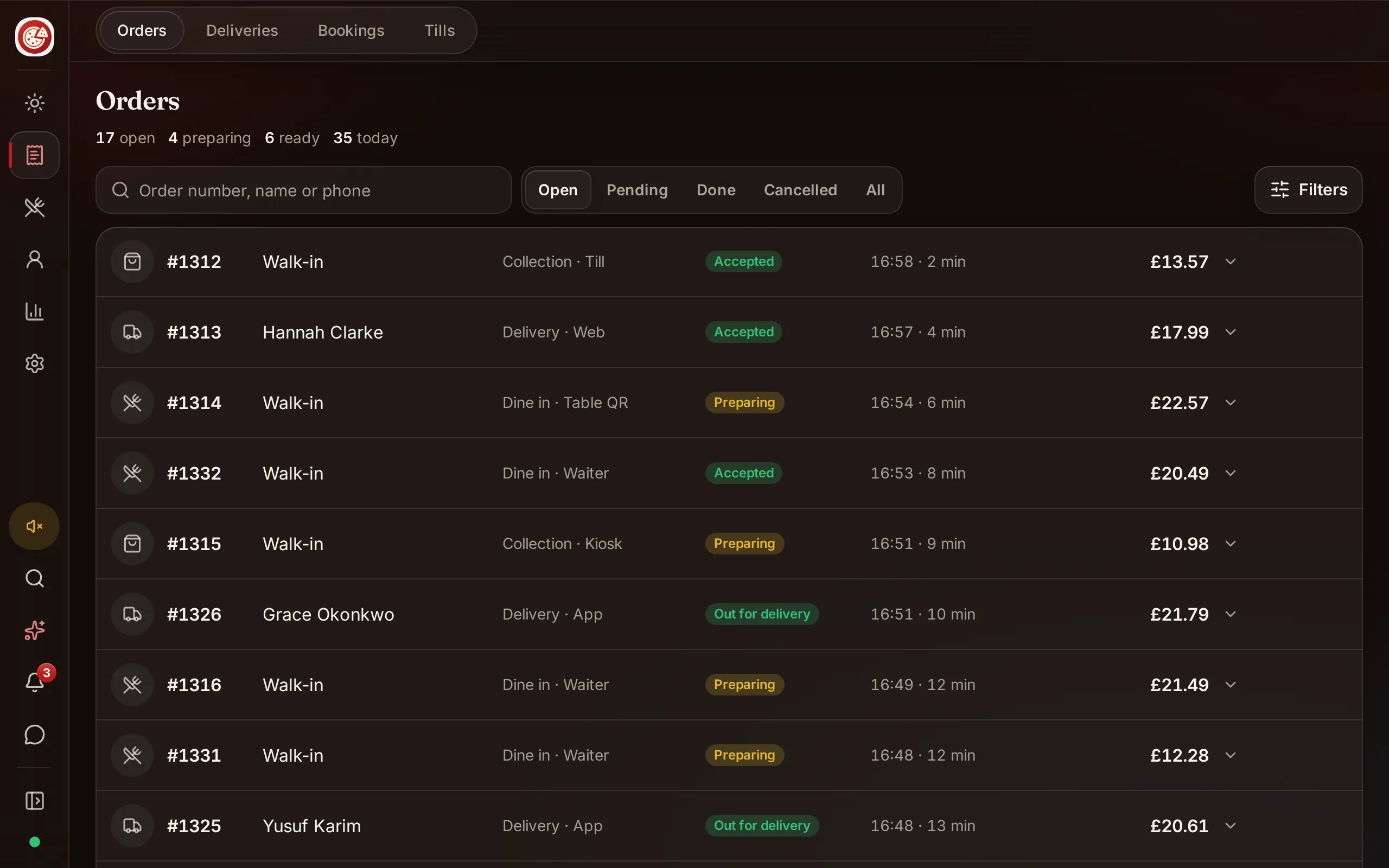
DineHarbor separates the restaurant business from individual branches. Staff users can belong to more than one branch with roles and capabilities.
Give regional managers the branches they oversee and local staff only their workplace. Permissions should follow responsibilities, not job title alone. Someone who can view reports may not need to change billing or menu settings.
Use individual accounts, two factor authentication and controlled shared device sessions. Never create one group manager login used by every location.
Review access when a person transfers, covers a shift or leaves. Temporary access should have a clear end. The audit log is useful only when actions are tied to real identities.
Read the team and permissions guide and watch team and devices before opening another branch.
Standardise devices and support
Use a naming pattern such as branch, station and number. Record model, serial, connection, app role and local owner for each till, kitchen screen, waiter phone, kiosk and driver device.
Standard hardware can simplify spares and training, but the room still matters. A network printer suitable for one branch may not fit another floor plan.
Keep one spare strategy per location. A central store of equipment is not useful if a branch cannot reach it during service. Train local leads on ordinary restart, printer paper and fallback procedures.
DineHarbor plan device limits apply per location as configured in current billing rules. Growth includes defined limits for POS, KDS, waiter, kiosk and driver devices; Unlimited removes those stated operator device limits. Check the pricing page for current detail.
Compare branch reports fairly
Group totals answer how the business performed. Branch views answer where and why. Use both.
Compare the same dates, open hours and service types. A city centre lunch branch and a suburban delivery branch should not be judged from sales alone.
Review order count, sales, product mix, busy hours, preparation and corrections. Then add local context such as closures, events, staff changes and promotions.
DineHarbor reports use branch scoped data and local time for the operational heatmap. The Manager copilot also answers authorised questions within its branch scope.
Avoid league tables that encourage branches to hide refunds or rush completion states. Use reports to share useful practices and find support needs.
Add a branch safely
Start by copying standards, not blindly cloning every setting. Confirm legal details, menu, prices, tax treatment, hours, equipment, payments, kitchen stations and staff access.
Run the restaurant technology checklist for the new site. Place collection and delivery test orders to the actual address. Rehearse a payment failure, printer outage and unavailable product.
Open with a controlled set of channels. A branch does not need kiosk, delivery and QR tables on its first service merely because another location uses them.
Keep the new branch's data separate from training. Do not create fake live orders simply to practise where the environment treats them as real operational or financial records. Use supported demo and test routes.
Set a group review rhythm
Let local managers review their branch weekly. Hold a group review less often, focused on shared actions: supplier change, menu standard, training, hardware or a cross branch promotion.
Record decisions and effective dates. If a change applies only to two branches, say so. Do not leave local teams guessing whether a central suggestion is mandatory.
Once a quarter, review staff access, device inventory, domains, payment accounts and plan capacity. Growth supports up to five locations; plan a move before attempting a sixth rather than during setup.
Multi branch management works when central visibility supports local responsibility. The software should show the group without turning every restaurant into an anonymous row.
Prepare for a branch problem
Write down who can pause online orders, change hours, close a delivery zone and contact support for each location. A central owner may be unavailable when a local printer or payment route fails.
Keep emergency changes local and time limited. If one branch loses internet or kitchen capacity, do not close every location unless the shared service truly requires it. Record the start, reason and person responsible, then restore the setting deliberately.
Test how the group handles a mistaken cross branch action. An order, staff assignment or menu edit in the wrong location needs a documented correction, not a silent deletion. Review why the branch context was unclear and improve names, permissions or confirmation screens.
This resilience is a major reason to keep branch data accurate. Central visibility helps the owner find the problem, while local authority lets the right person protect service quickly.
Ready to set up a second location carefully? Start the 30 day free trial with no card needed.
Questions and answers
How many locations can DineHarbor manage?
Growth supports up to five locations, Unlimited has no location limit and Enterprise is arranged with the restaurant. Check current pricing before deciding.
Should every branch use the same menu?
Shared standards can help, but price, availability, opening hours and local operations may differ. Approve what is shared and what each branch owns.
Can staff work across branches?
Staff access can be assigned to branches with roles and permissions. Give each person only the branches and capabilities needed for their job.
See it in DineHarbor
About the author
Editorial team
The DineHarbor team writes this blog for restaurant owners and managers. Every article is checked against the product before it is published, so what we describe is what the software does.
All articles by DineHarbor team